Customer-facing app
Logo Mockup & Quote Builder
Buyers drop in their logo, see it on the actual garments, and request a priced quote.
- Client
- WASIP Ltd.
- Type
- Customer-facing app
- Year
- 2026
- Status
- In use · demo data
The brief
Where it started.
Crews and companies ordering branded hi-vis and safety workwear wanted to see their logo on the exact garments before committing — and WASIP wanted quote requests that arrive with print-ready artwork attached, not an email thread.
What we built
So we shipped 5 pieces.
- 01Guided flowGarment, colour and style, logo placement, outputs, quote
- 02Placement builderPer-garment imprint zones (front, back, sleeves) with layered artwork
- 03Artwork analysisAuto-trim, colour count and gradient detection, all in the browser
- 04DownloadsPDF mockup sheets, image bundles and order summaries
- 05Proof approvalsPrivate links where customers approve or request changes
Under the hood
The part worth a closer look.
The clever part
All imprint-zone geometry lives in shared pure utilities, so the live editor, previews and generated PDFs place artwork identically — and uploaded logos are analysed in the browser to inform decoration pricing.
Stack
And what it all runs on.
- React 18
- Vite
- Supabase
- Edge Functions
- react-pdf
- Turnstile
The whole system
Built for WASIP
Five builds, one pipeline. A buyer's logo enters on the website and comes out the other end as a filled supplier form — every step along the way is software we built.
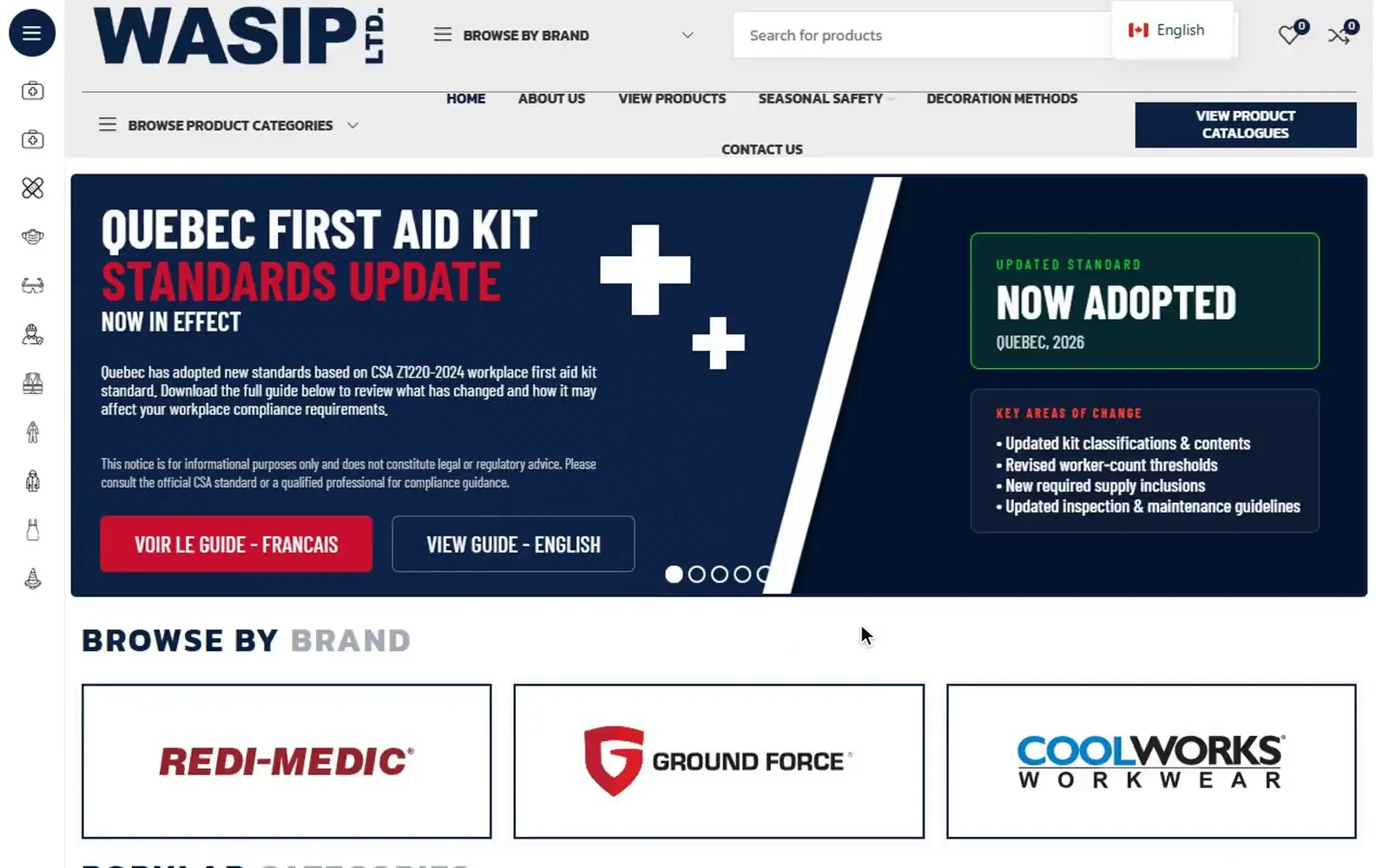 Step 1WASIPBuyers browse the catalogue
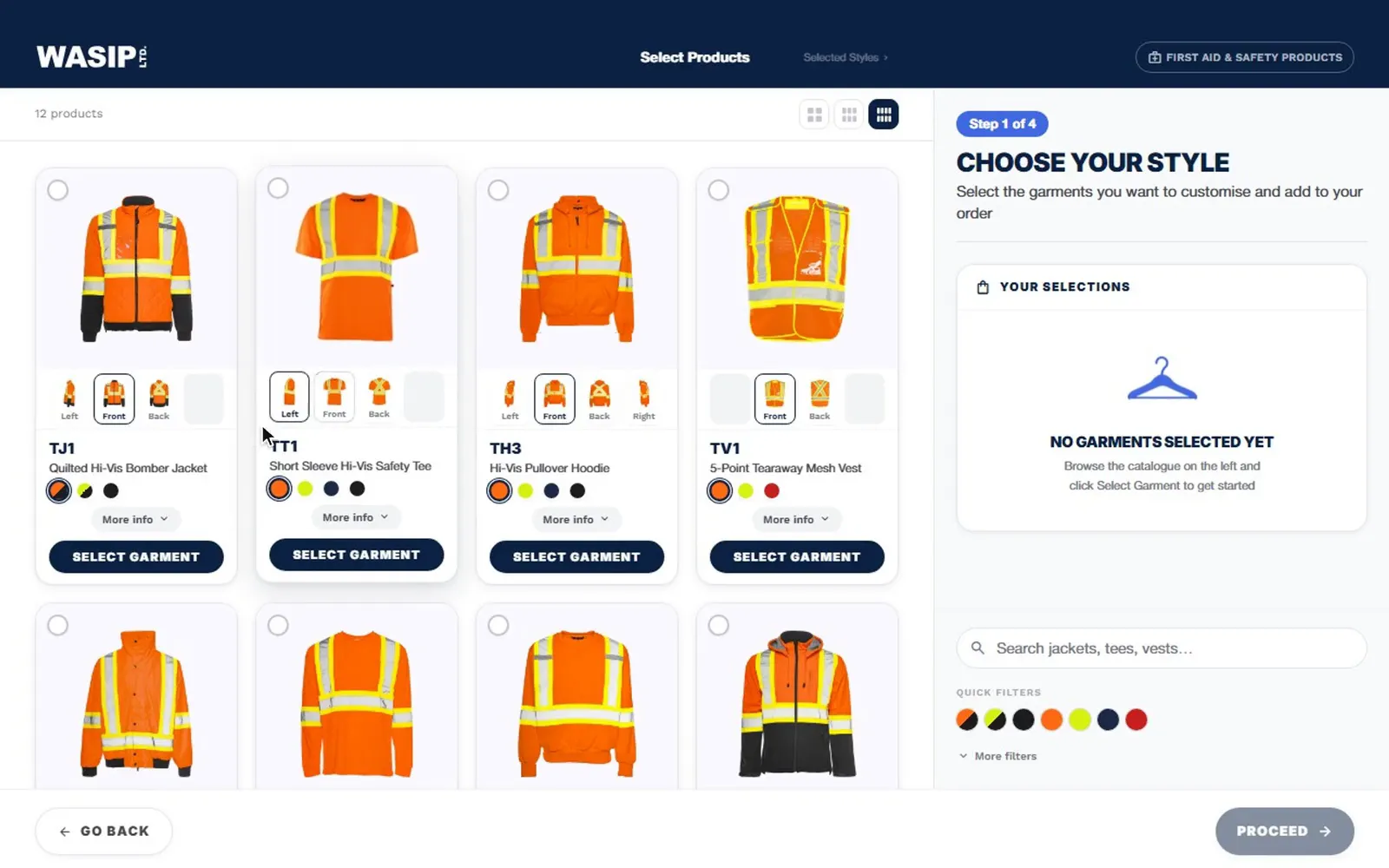 Step 2· You're hereLogo Mockup & Quote BuilderPlace a logo, request a quote
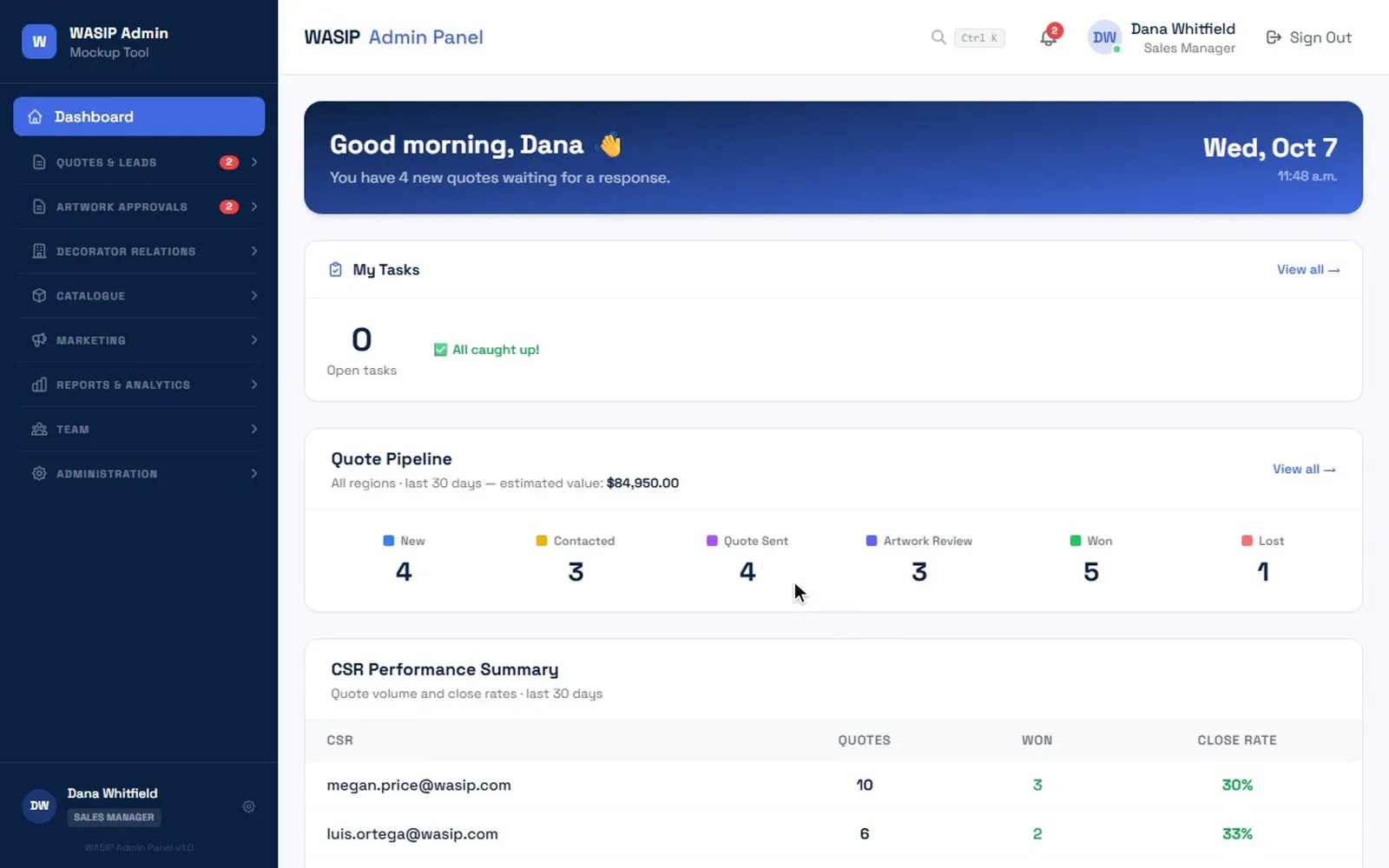 Step 3Quote-to-Production ConsoleStaff price, proof and convert it
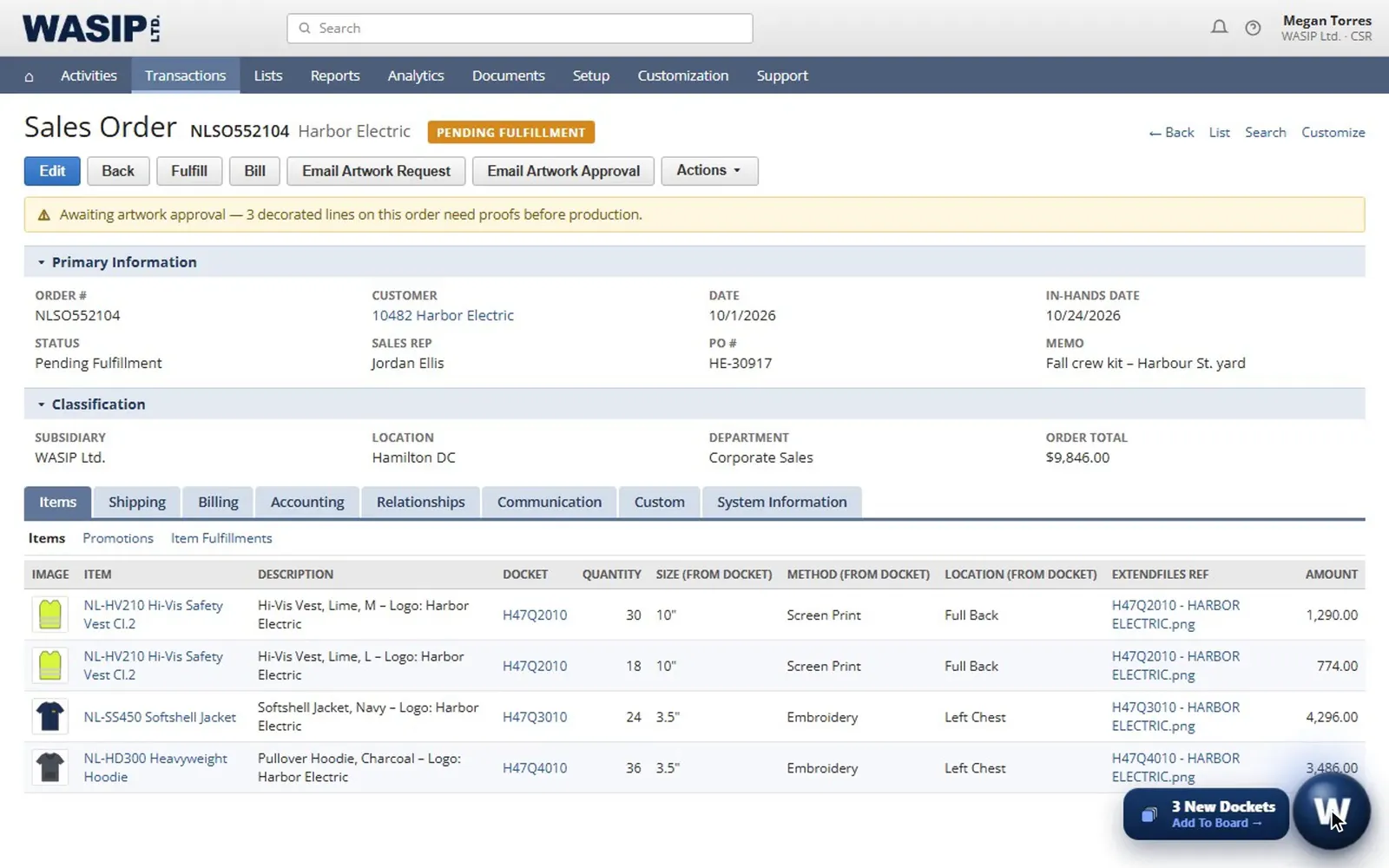 Step 4Docket Board for NetSuiteProduction tracks every docket
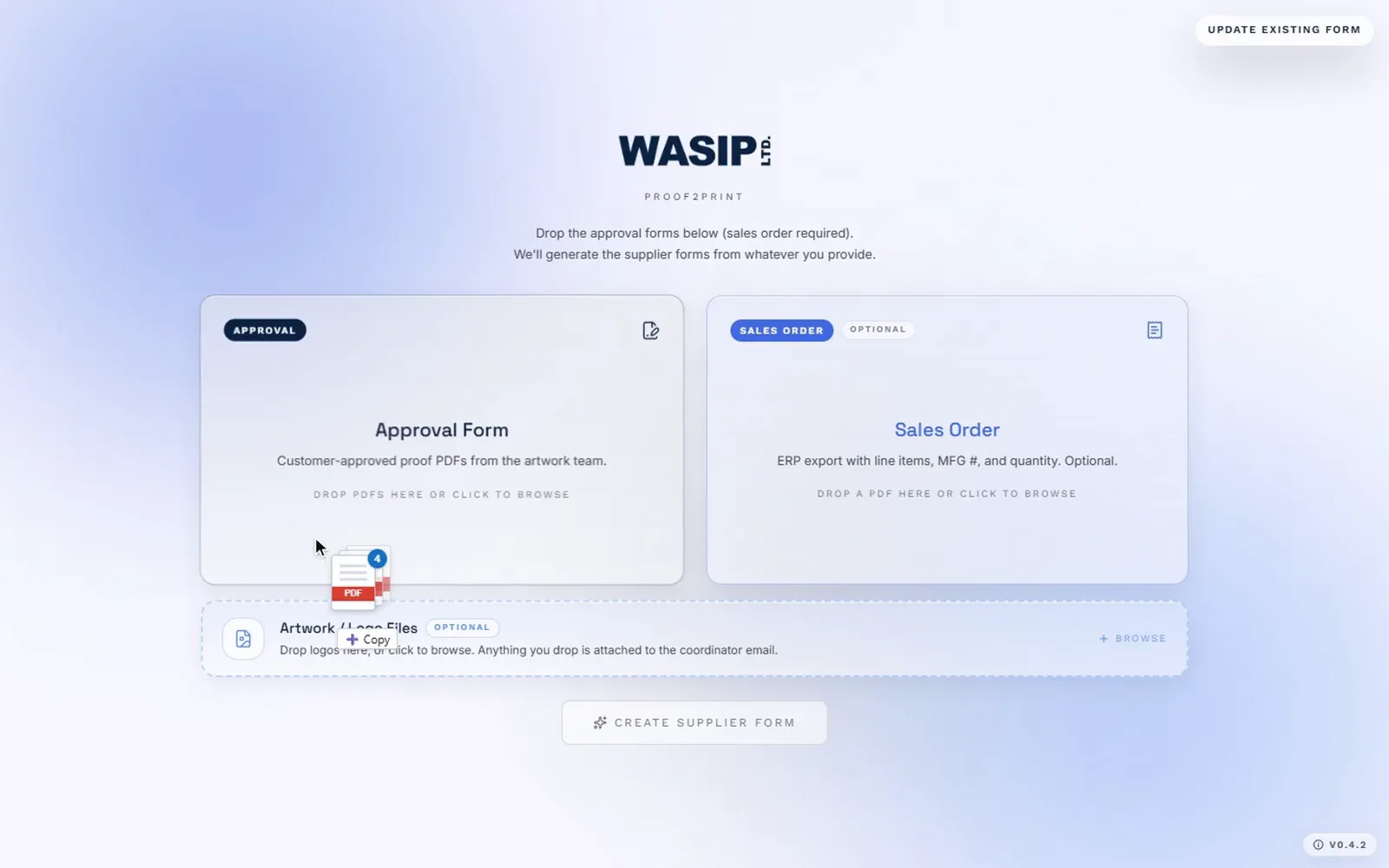 Step 5Proof2PrintSupplier forms fill themselves
Need something like this?
Tell Echo what you’re trying to build — rough is fine. You’ll leave with a clearer sense of what it would take.