Desktop app
Proof2Print
Turns approved artwork proofs and sales orders into filled supplier forms — no retyping.
- Client
- WASIP Ltd.
- Type
- Desktop app
- Year
- 2026
- Status
- In use · demo data
The brief
Where it started.
The artwork team was retyping data from approved proof PDFs into supplier forms by hand, even though the fields that differ follow fixed rules. Repeat orders meant hand-editing old forms on a network drive.
What we built
So we shipped 6 pieces.
- 01Drop-in intakeDrag in the approval form and the sales order
- 02Supplier routingEach imprint method goes to the right decorator by rule
- 03Auto-filled MFG numbersMatched from part numbers on the order lines
- 04Review & generateImage cropping, then batch PDF generation
- 05Repeat ordersFuzzy-matches existing forms on the network share and updates them
- 06Hand-offOne Outlook draft per supplier, shipped as a single Windows installer
Under the hood
The part worth a closer look.
The clever part
A React UI runs inside a native WebView2 window and talks to Python PDF services over a small bridge — staff get a web-style app with nothing extra to install.
Stack
And what it all runs on.
- Python
- pywebview
- PyMuPDF
- React 18
- TypeScript
- PyInstaller
The whole system
Built for WASIP
Five builds, one pipeline. A buyer's logo enters on the website and comes out the other end as a filled supplier form — every step along the way is software we built.
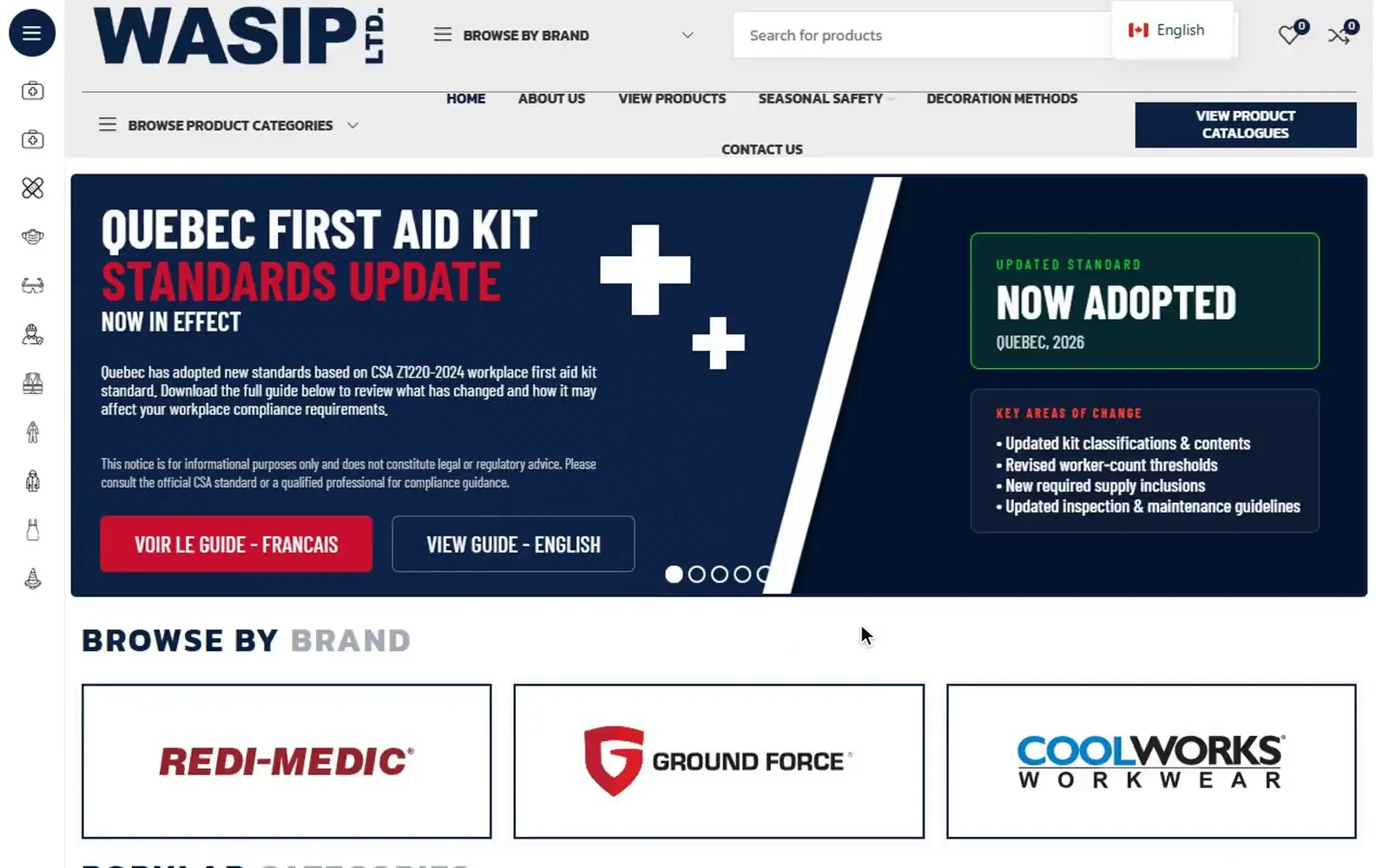 Step 1WASIPBuyers browse the catalogue
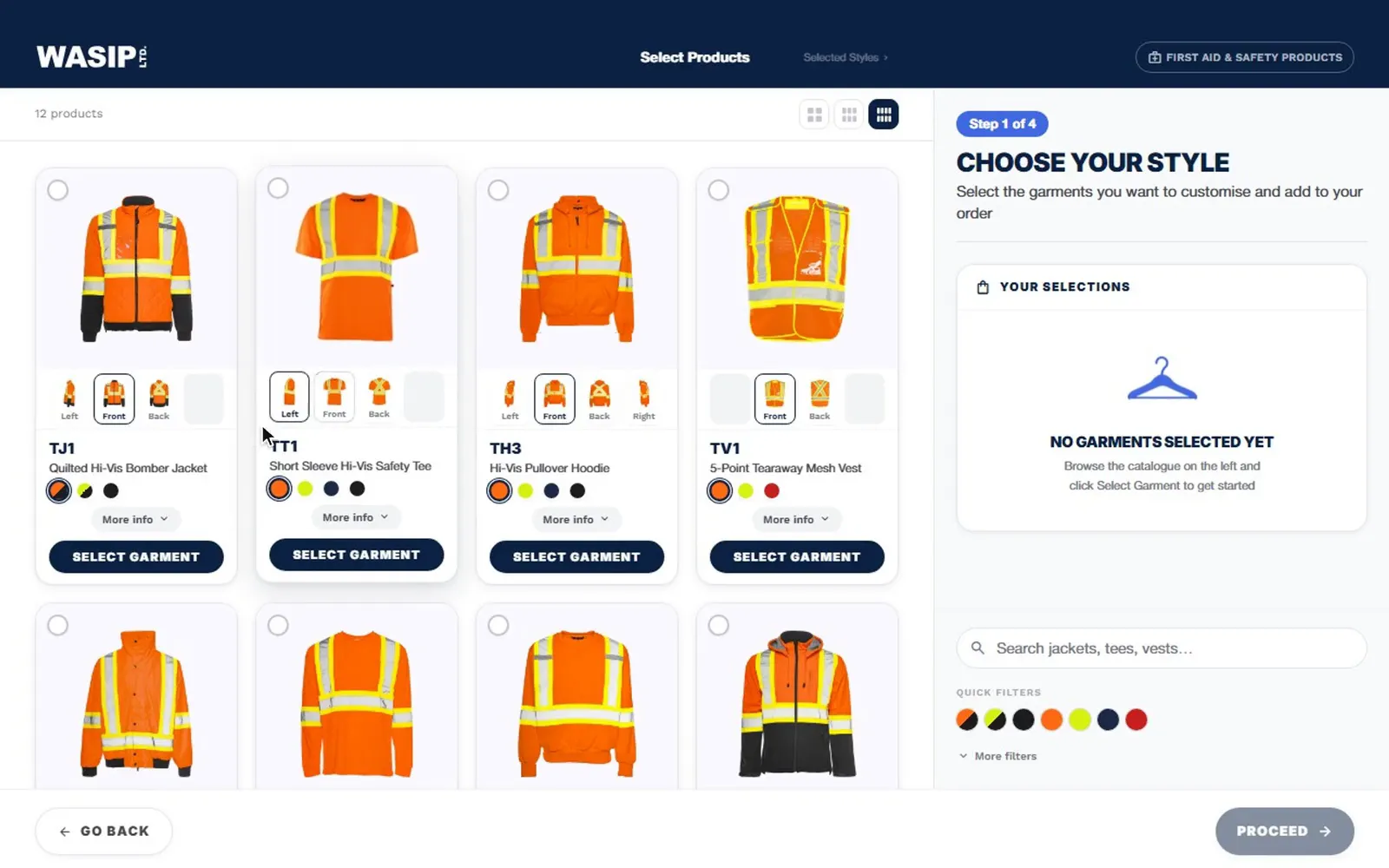 Step 2Logo Mockup & Quote BuilderPlace a logo, request a quote
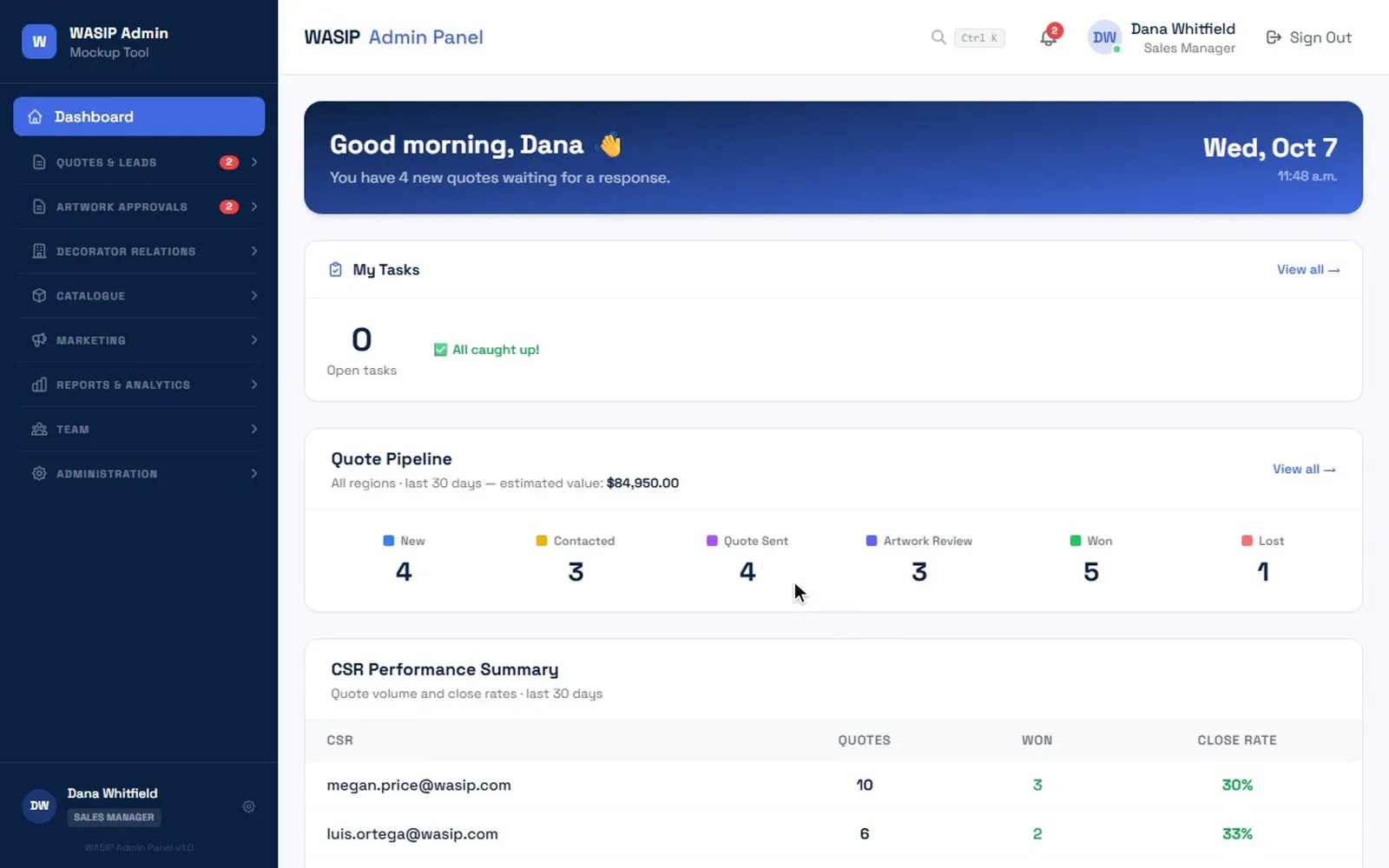 Step 3Quote-to-Production ConsoleStaff price, proof and convert it
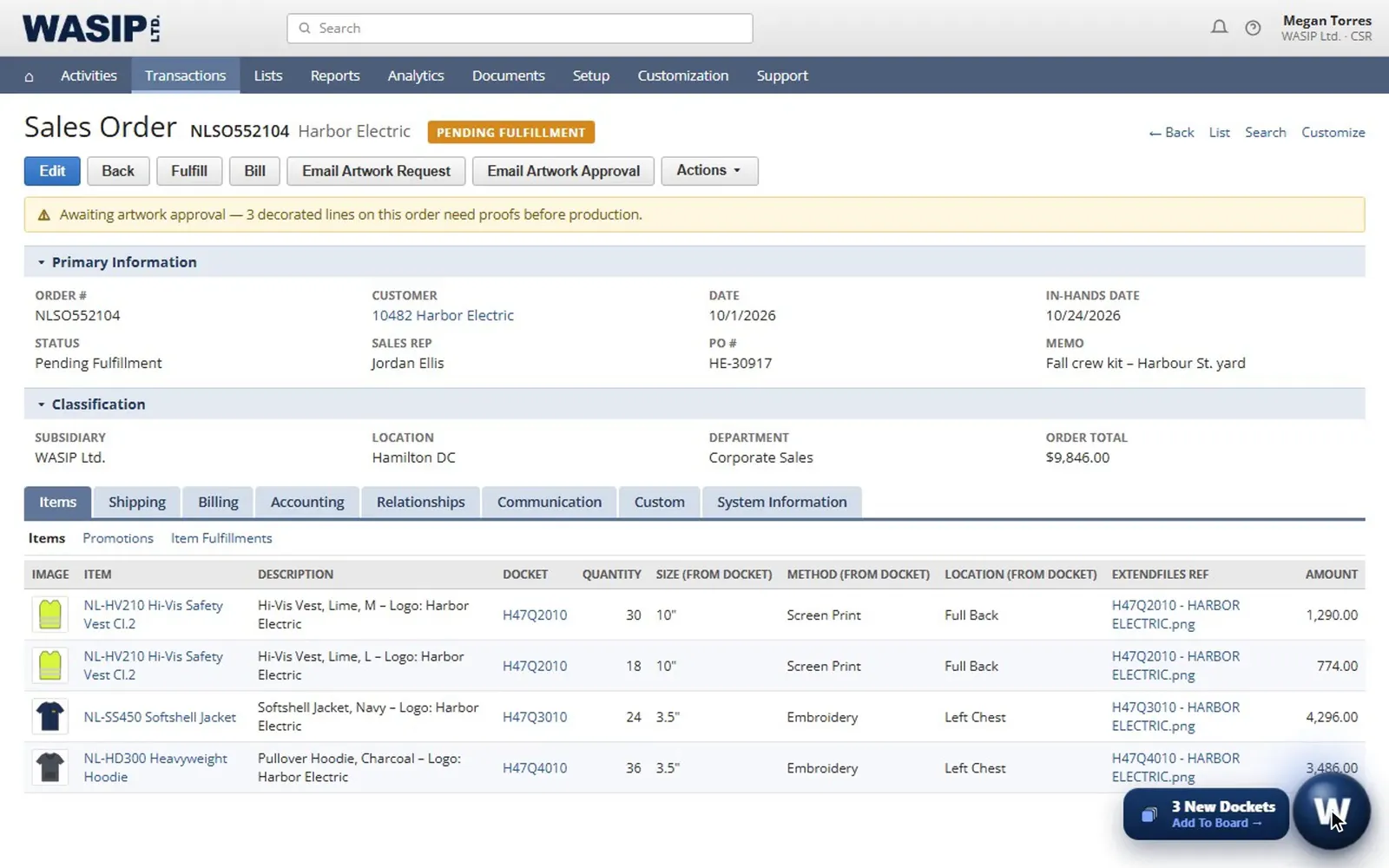 Step 4Docket Board for NetSuiteProduction tracks every docket
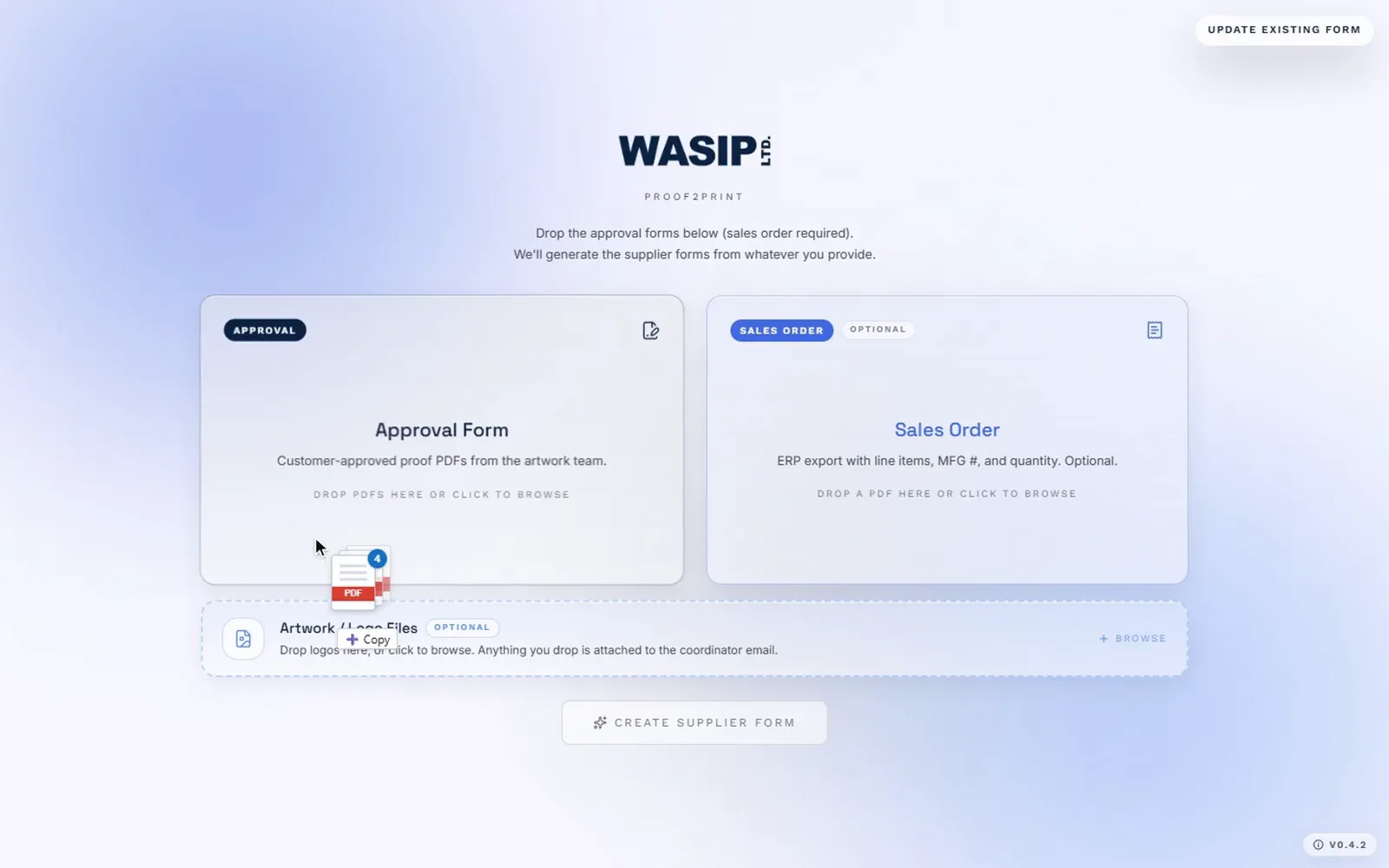 Step 5· You're hereProof2PrintSupplier forms fill themselves
Need something like this?
Tell Echo what you’re trying to build — rough is fine. You’ll leave with a clearer sense of what it would take.