WASIP brand · 2026
Idaho Mining Apparel
A mining workwear store rebuilt for two kinds of buyer, after every phone visitor had been landing on a missing page.
Two kinds of buyer
Idaho Mining Apparel sells workwear and safety gear from Osburn, Idaho. It has two kinds of buyer, and both matter equally.
One is a miner buying a jacket or gloves for himself, who just needs to get through checkout. The other is a company kitting out a crew, who wants bulk pricing or a quote for custom-logo gear.
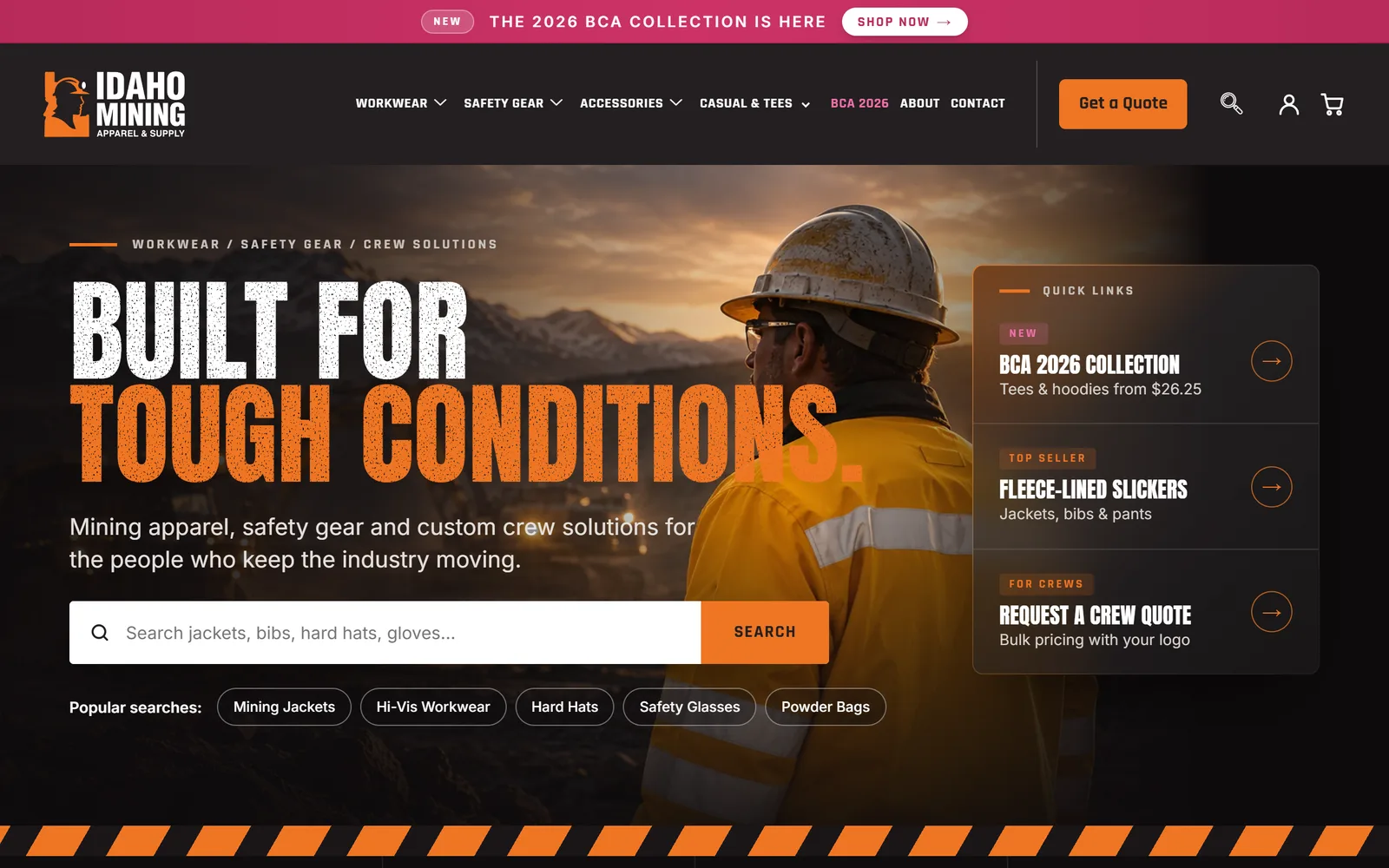
I led the design and the build. When I first opened the store on a phone, neither buyer was getting far.
Broken on phones
An old redirect plugin sent every phone visitor from the homepage to a missing page. Before they saw a single product, they hit a 404.
Measured on a simulated phone connection, the homepage took 18.4 seconds for its main content to appear. Google counts under 2.5 seconds as good.
It also looked dated. Three header bars were stacked on top of each other, product photos sat small on white, and every option was a dropdown.
Of 39 products, 33 had options. Nearly every product page made a shopper work through a dropdown before buying.
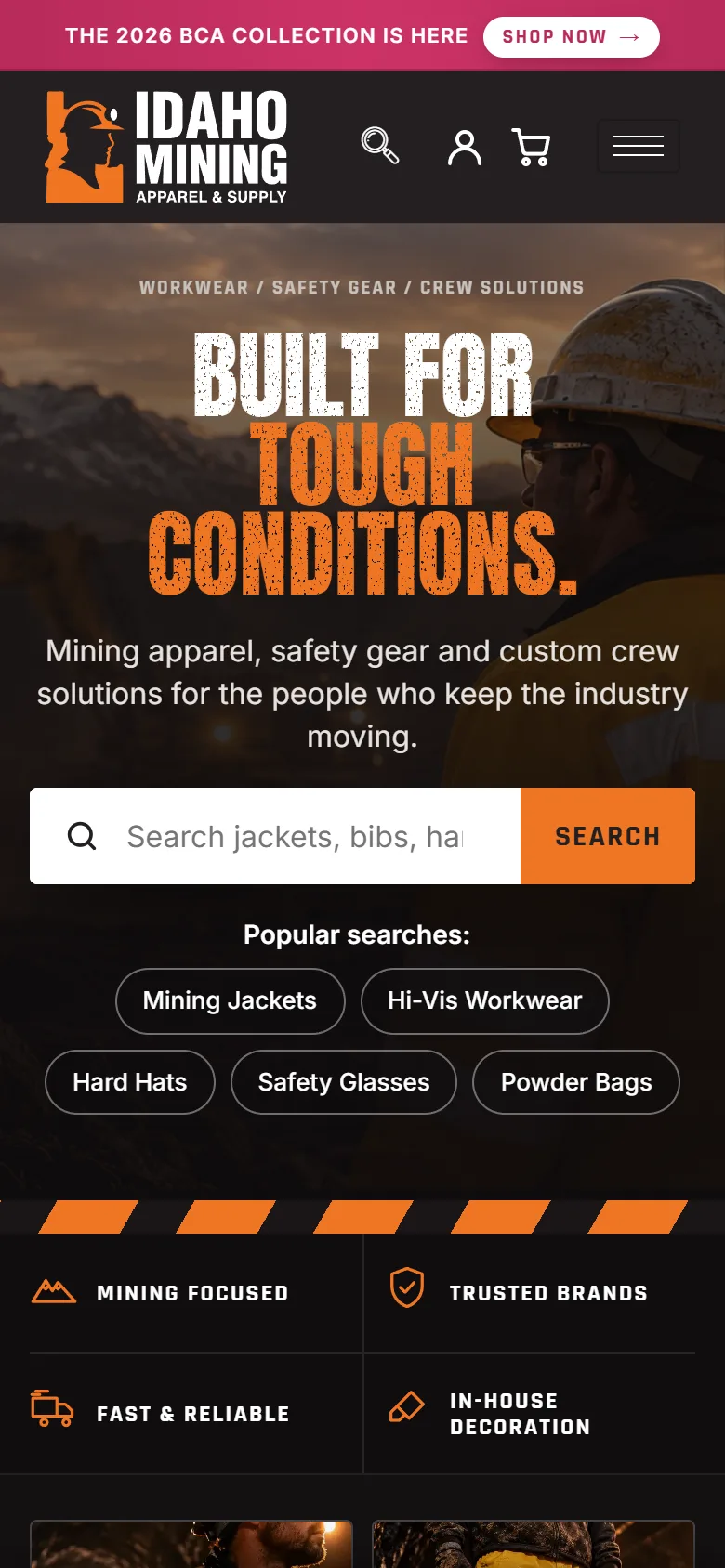
I switched the redirect off during the first switch-over, so phones reach the real homepage. The dated look was much harder to fix.
A site from before the year 2000
My first move was to restyle the existing product page with new CSS. I reviewed it as an admin preview, and it failed.
My own verdict was that it looked like "a site from before the year 2000". No one would trust it with a card, and more polish wouldn't change that.
So I changed the method. Before building any page, I mocked up the whole of it, header to footer, at desktop and phone widths.
Each page was signed off on its own, and approval for one never covered the next. The mockups put trust first: real photography, clear type and room to breathe.
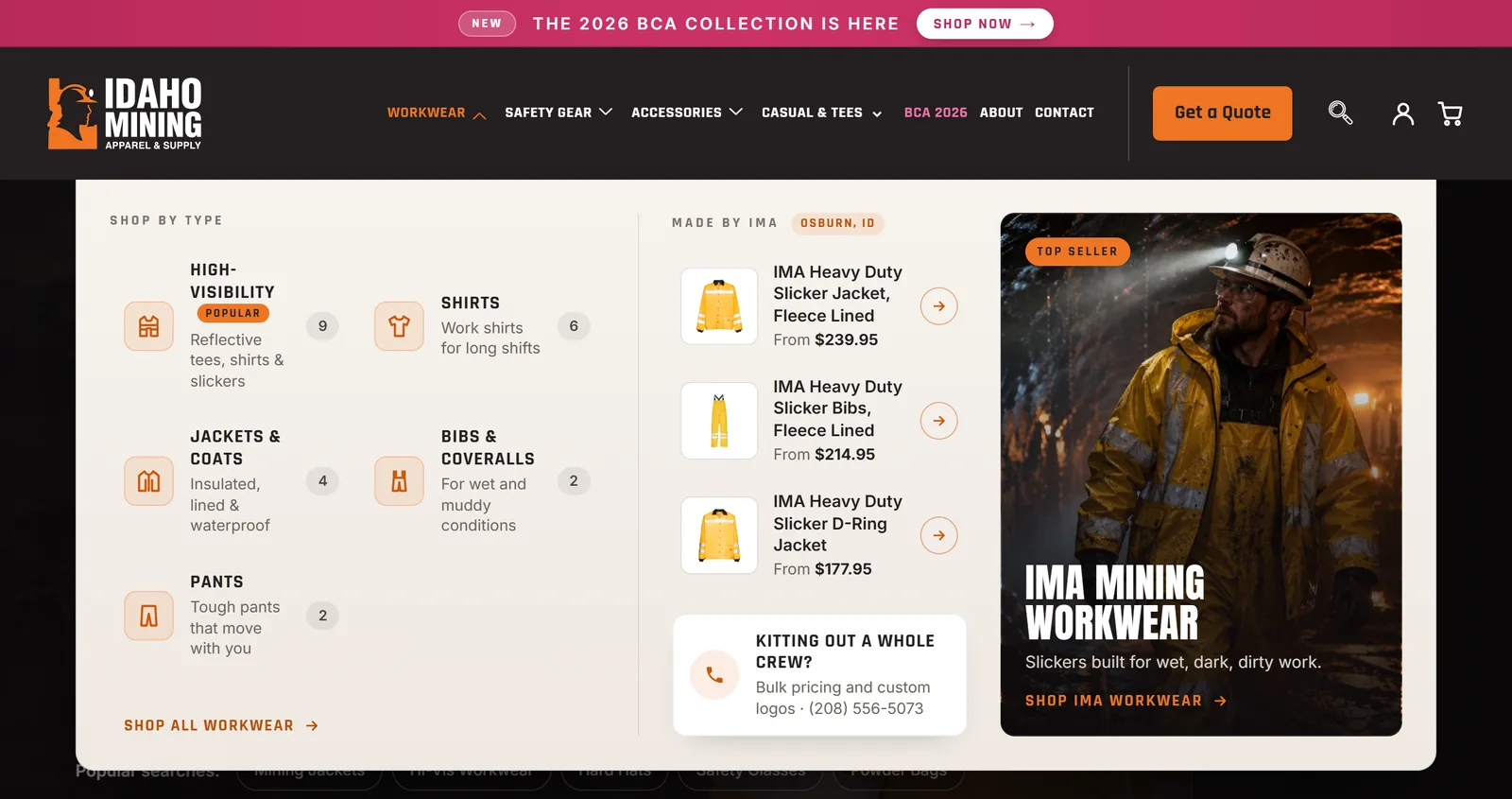
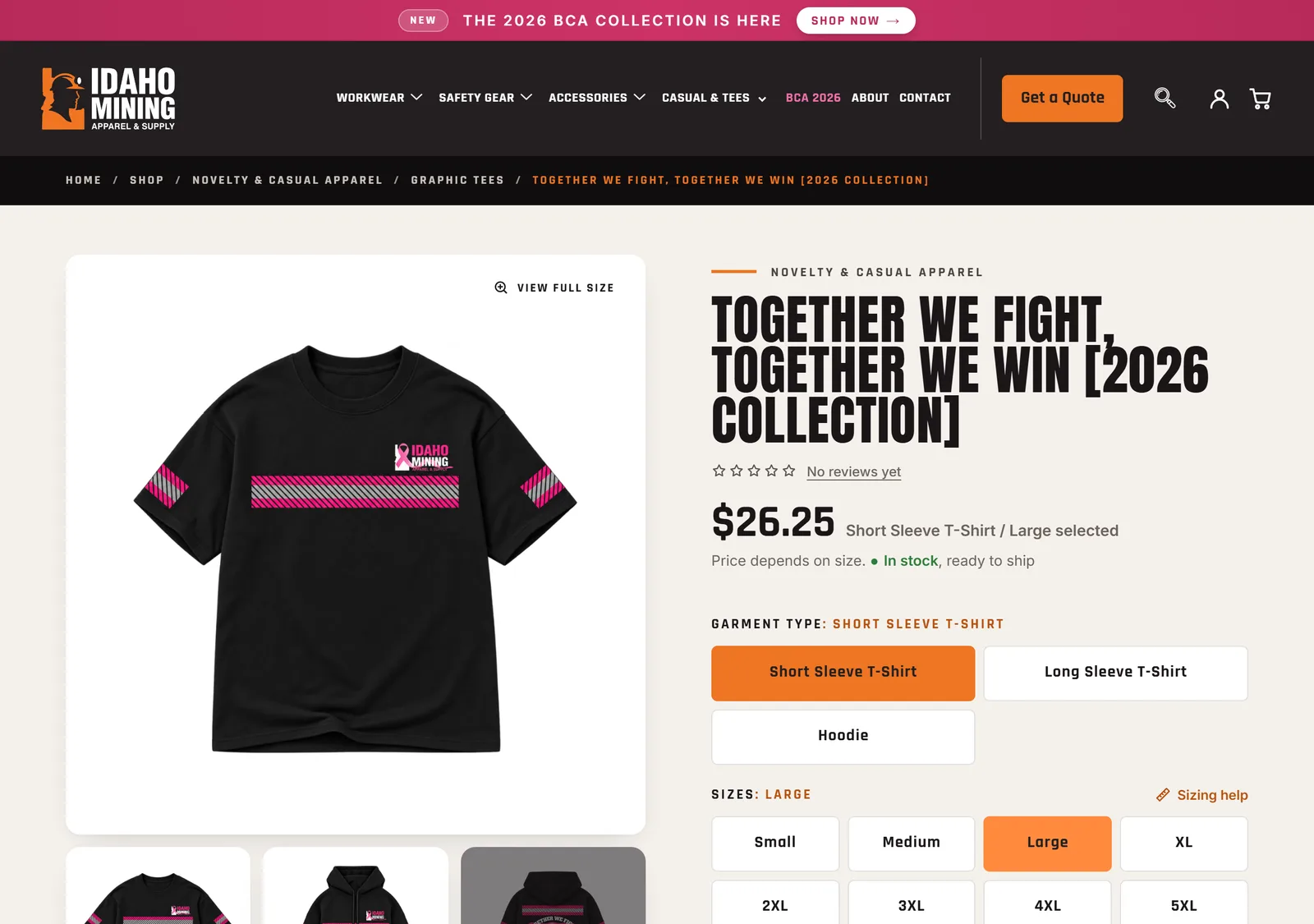
Building those pages was its own problem. The store couldn't stop selling while I did it.
Building while the store kept selling
The site runs on free Elementor, with no Pro licence. That ruled out Pro's theme builder and its store templates.
So the store pages are built as small code snippets layered on WooCommerce's own pages. No extra plugin was needed.
My tools could only write Elementor's newer atomic elements. The older header and footer widgets had to be edited by hand.
Every new page sat behind a preview flag, so only admins could see it. Customers kept shopping the old page until I flipped the flag.
Each switch-over had a written rollback that took about two minutes. The old homepage stayed in place, one setting away.
After the first switch-over I checked the product, cart and checkout pages logged out, the way a customer sees them.
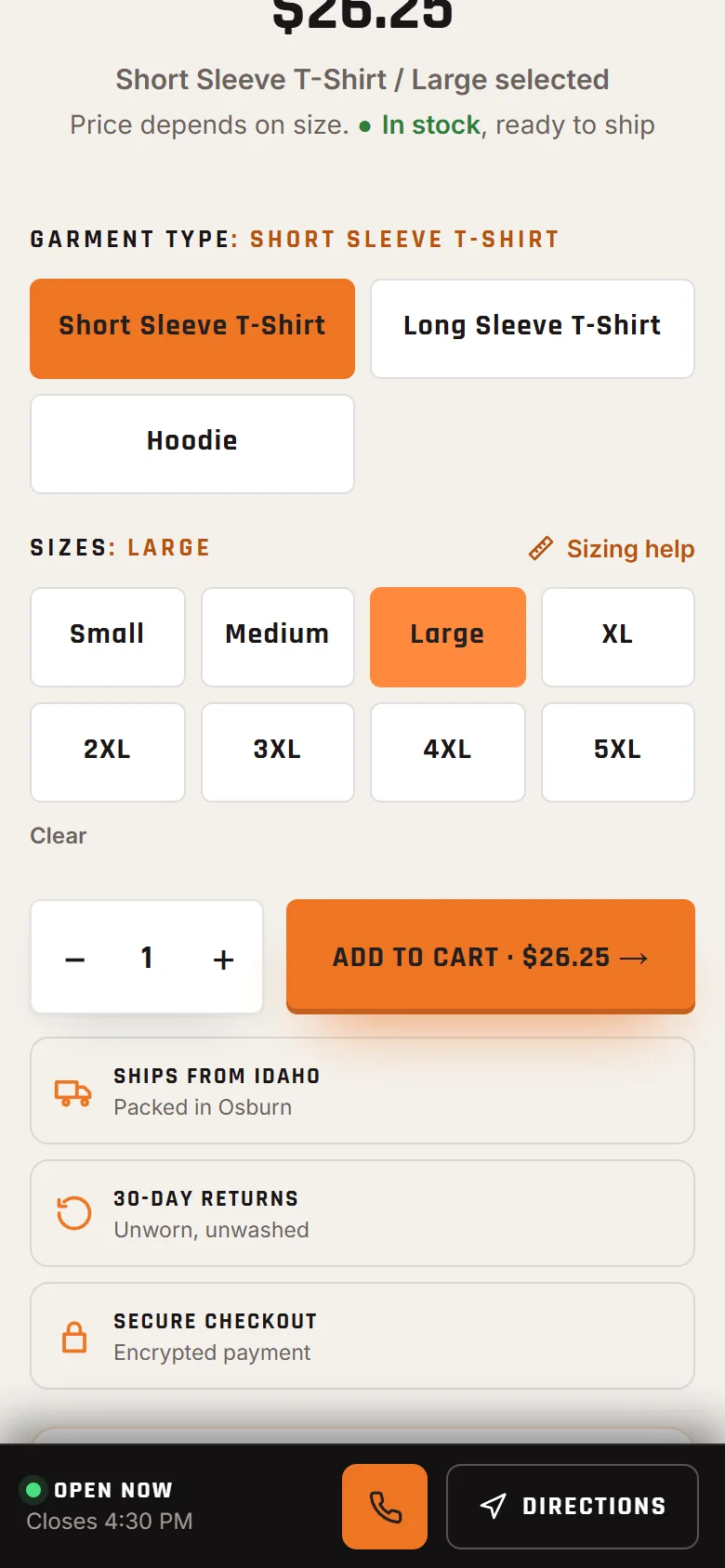
Every page was live by Oct 16, 2026. With the store in place, the crew buyer finally had a clear way in.
A clear path for crews
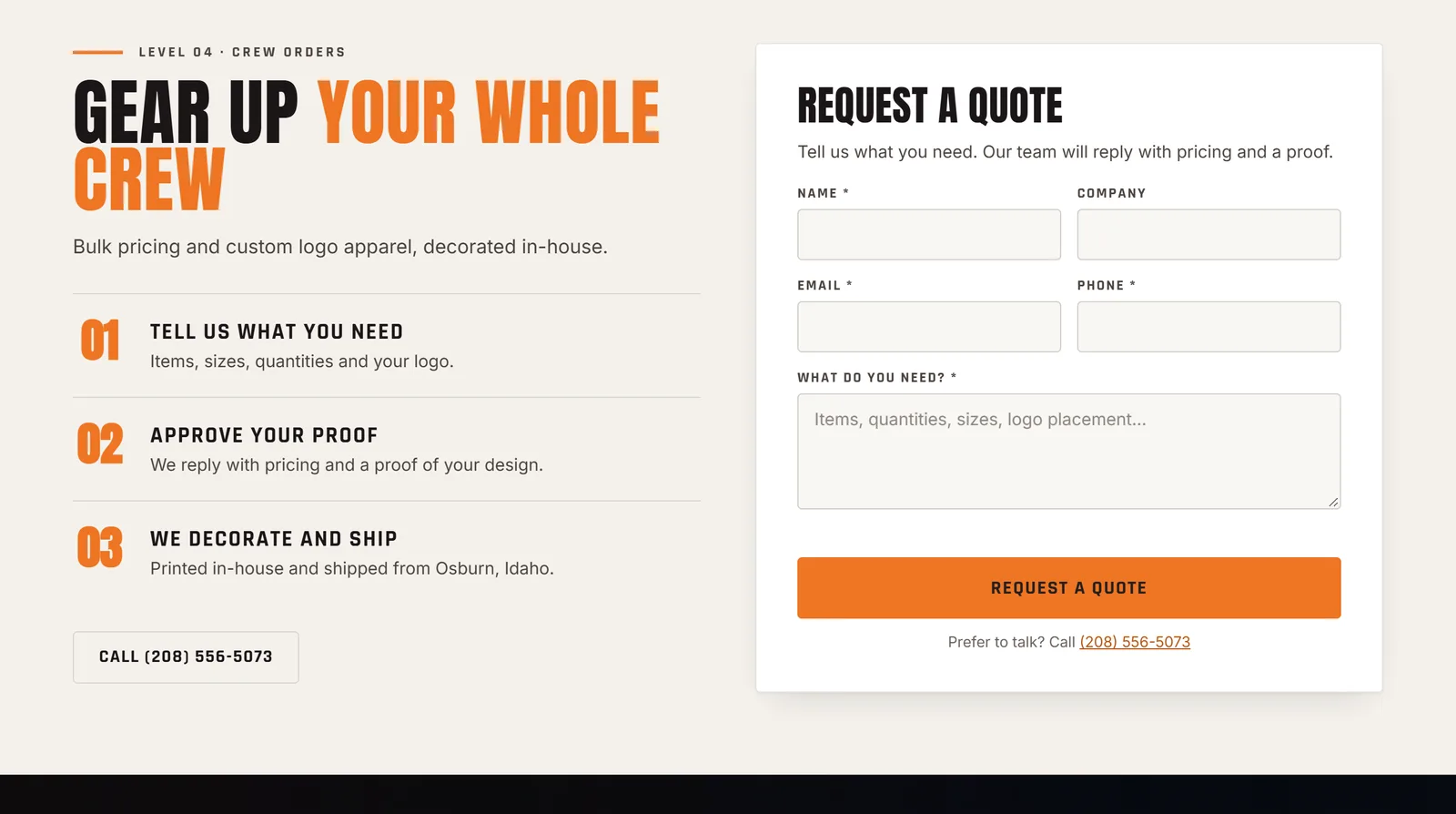
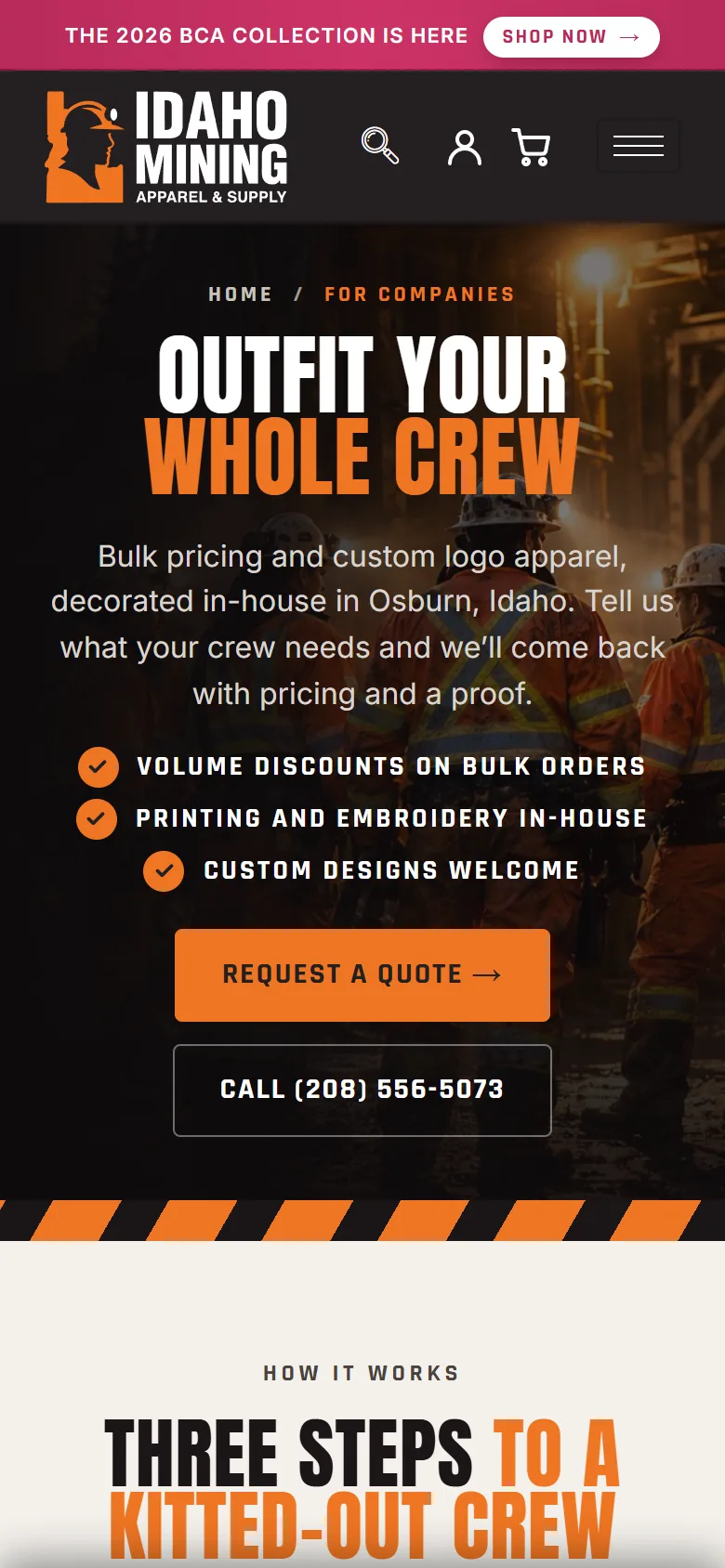
Company links used to point to the general contact page. Now the header's Get a Quote button leads to a For Companies page.
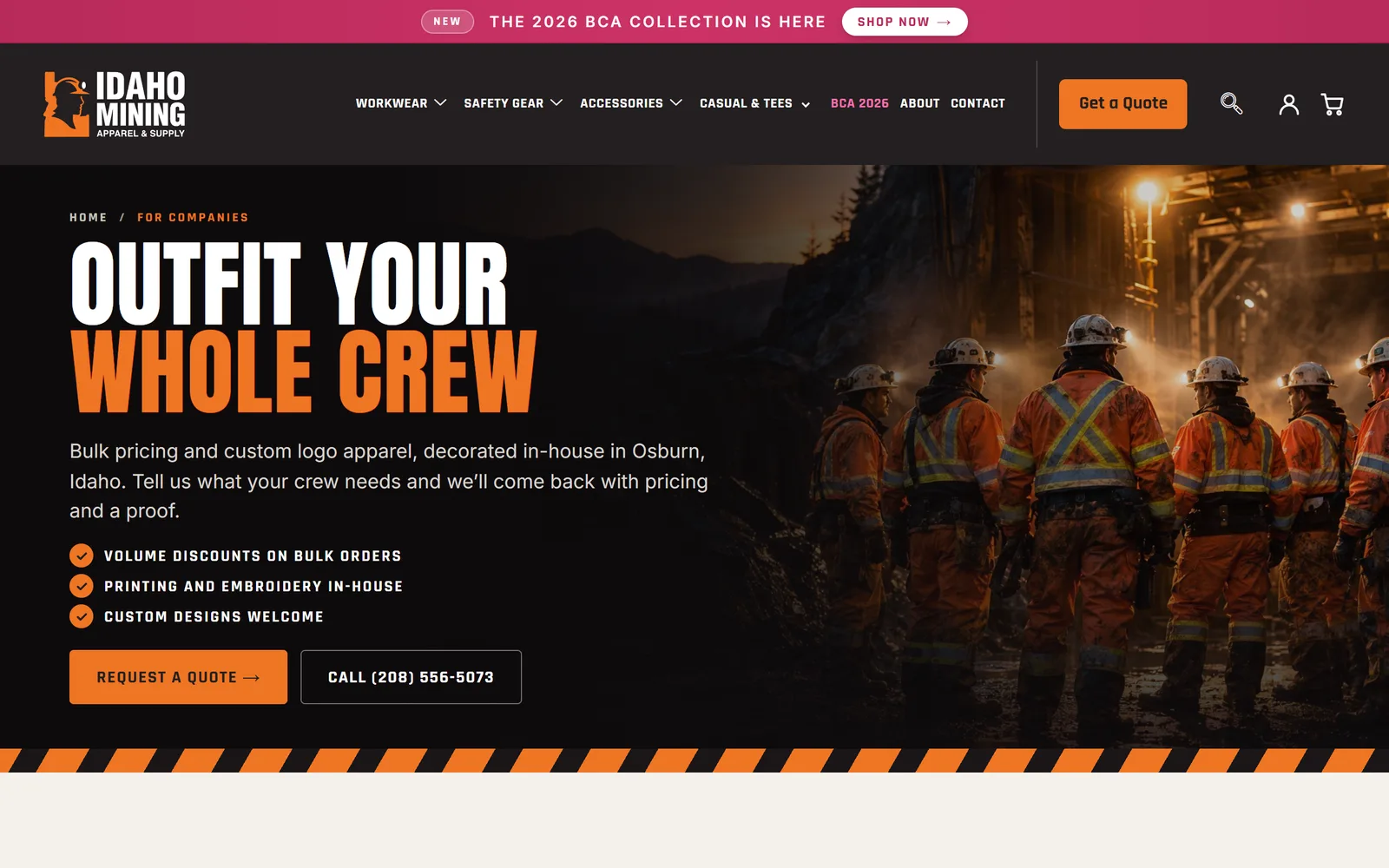
The homepage carries the same quote form in its crew section. Clothing pages add a "Put your logo on it" strip that links straight to it.
The real test was what customers and the sales team said once it was live.
What changed
Since launch, customers and the sales team have sent a lot of praise.
The biggest change is on phones. The mobile experience is completely different: it works, it feels natural, and customers and the sales team find it easy to navigate.
The lesson came from that first restyle. Polish on a dated shell couldn't earn trust, so now every page starts as a full-page mockup.
Next case study
ThinkPurple.ai
A one-person studio losing its days to intake, research and invoices.